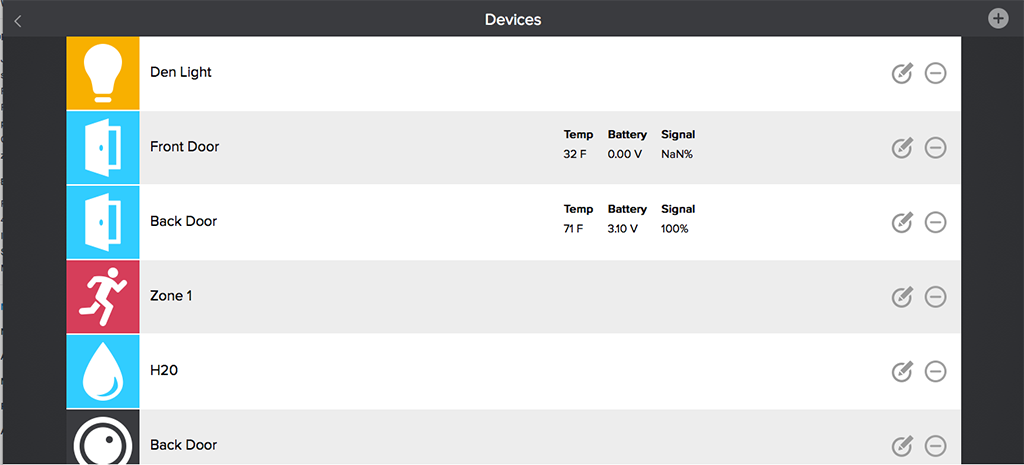
Devices can be added to your PEQ system during activation or at a later time.
During the activation process just choose the device you want to add and follow the steps.
**Note: If you are having trouble pairing a device, once the device fails to pair, attempt to log out of your PEQ system and log back in again. There is a chance that the device was actually discovered but was not displayed.
If you are adding a device after you've finished installation of your PEQ system go to:
- Dashboard, select the menu button, select Devices
- Choose the PEQ device that you want to add
- Watch the video
- Follow the directions
- Then you can go in and set up rules for your new device.